

Adding outdoor Smart Plug to your alarm system
Ready to connect your new outdoor Smart Plug? Follow these steps to easily add it to your Smart Alarm system in just a few minutes.
If you don't have a Smart Plug installed
Step 1
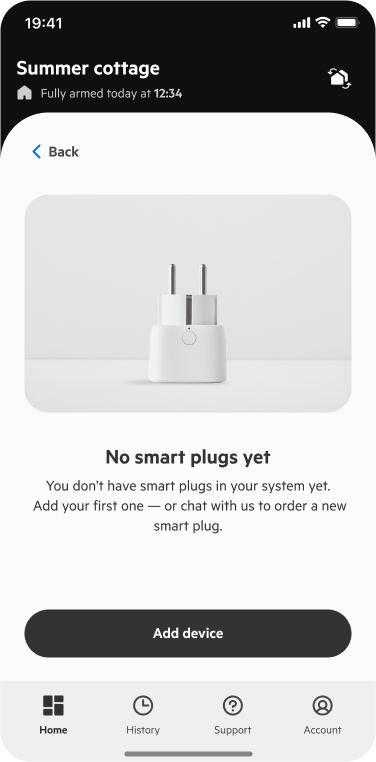
Open de PhoneWatch App. go to Smart Plugs, and tap Add device.
Step 2
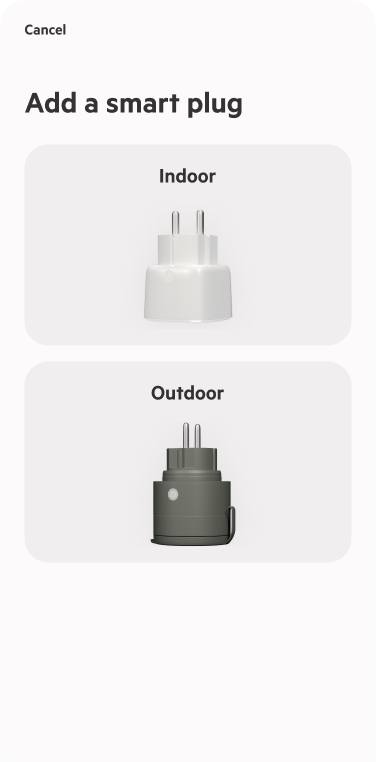
Select Outdoor Smart Plug and follow the on-screen instructions.
Step 3
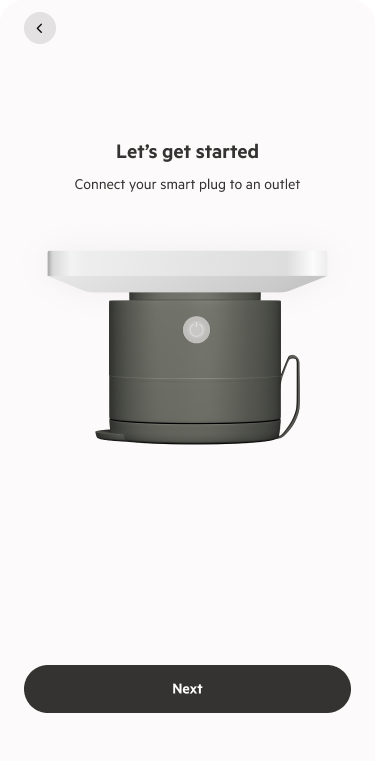
Plug the device into a power outlet.
Step 4
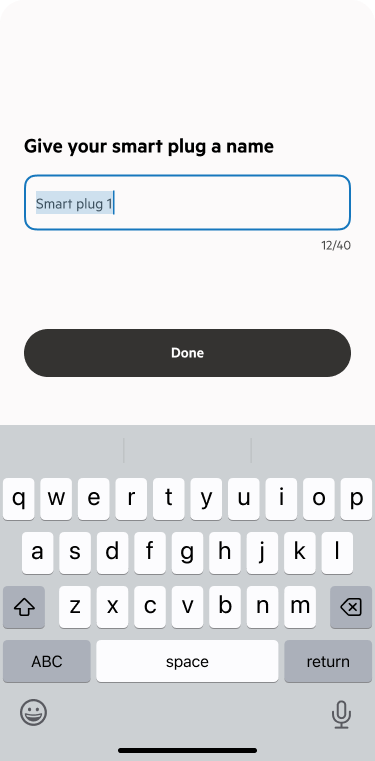
Give your smart plug a name (you can change it later).
Step 5
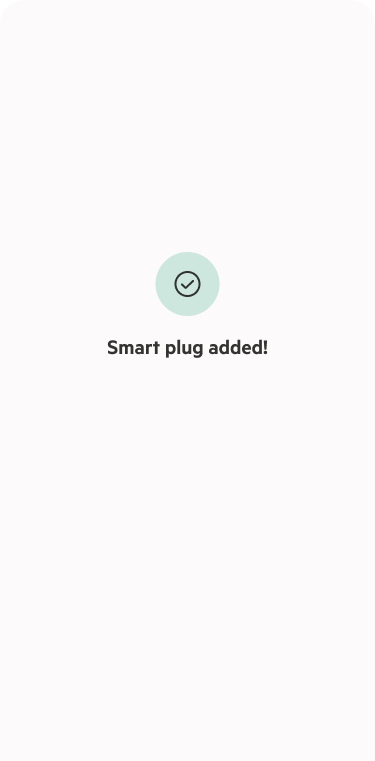
You will get a confirmation message once the pairing is completed.
If you have a Smart Plug installed
Step 1
Open de PhoneWatch App. go to Smart Plugs, and tap Add (+).
Step 2
Select Outdoor Smart Plug and follow the on-screen instructions.
Step 3
Plug the device into a power outlet.
Step 4
Give your smart plug a name (you can change it later).
Step 5
You will get a confirmation message once the pairing is completed.
If the Smart Plug fails to connect, try the following:
Move the smart plug closer to your alarm system’s gateway (within 2–3 meters).
While the plug is connected to power, press and hold the power button until it blinks green.
In the app, go to Smart Plugs, tap Add, and follow the instructions.
Move the smart plug closer to your alarm system’s gateway (within 2–3 meters).
While the plug is connected to power, press and hold the power button until it blinks green.
In the app, go to Smart Plugs, tap Add, and follow the instructions.
If you are still having issues, please contact us via chat.