



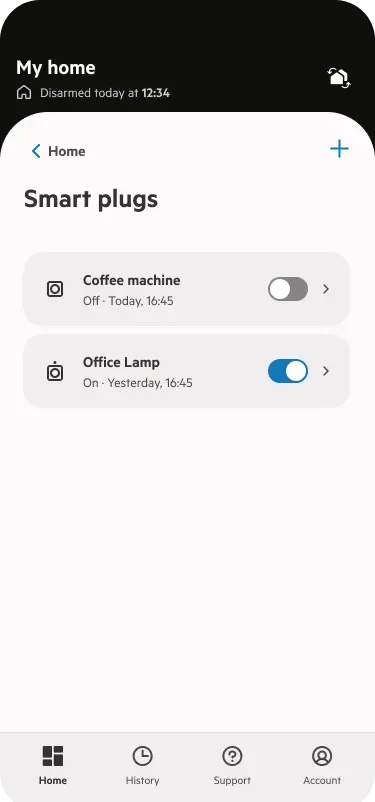
How to set up a smart plug automation
You can set up to 24 automations per system. Scheduled smart plug events are displayed in your history, like standard smart plug events. Please note your alarm must be disarmed or partially armed to set up smart plug automation.
Step 1
Open or download/update the PhoneWatch app and click on the "Automations" icon on the home screen
Step 2
Click on "add automation". Select the time and days you want the automation to run. Select the control alarm system button
Step 3
Choose whether you want your alarm partial armed or disarmed
Step 4
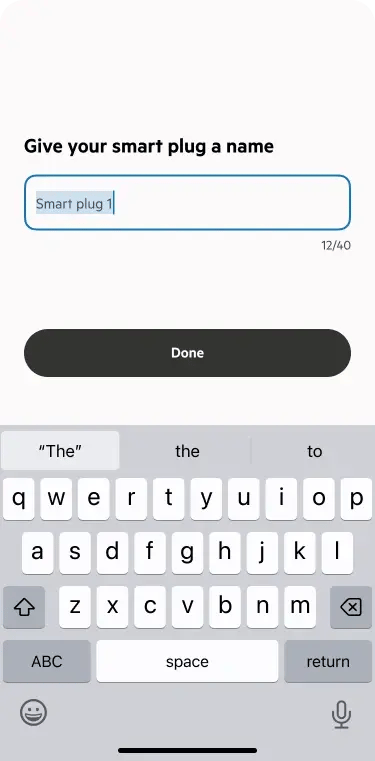
Click “next” and give your new automation a name.
Edit or delete an automation
Step 1
Click automations
Step 2
Select the relevant automation and press edit and change any details, such as the time, days, the automation type, and name or else press delete.